TKeeper
Website design and AI-assisted development
Explaining approval controls for AI agents and automation.
I designed TKeeper’s website and used AI to generate the entire site. The website introduces machine authorization through everyday questions about what an action can do, who needs to approve it and how that approval can be verified.
Start with a question about approval
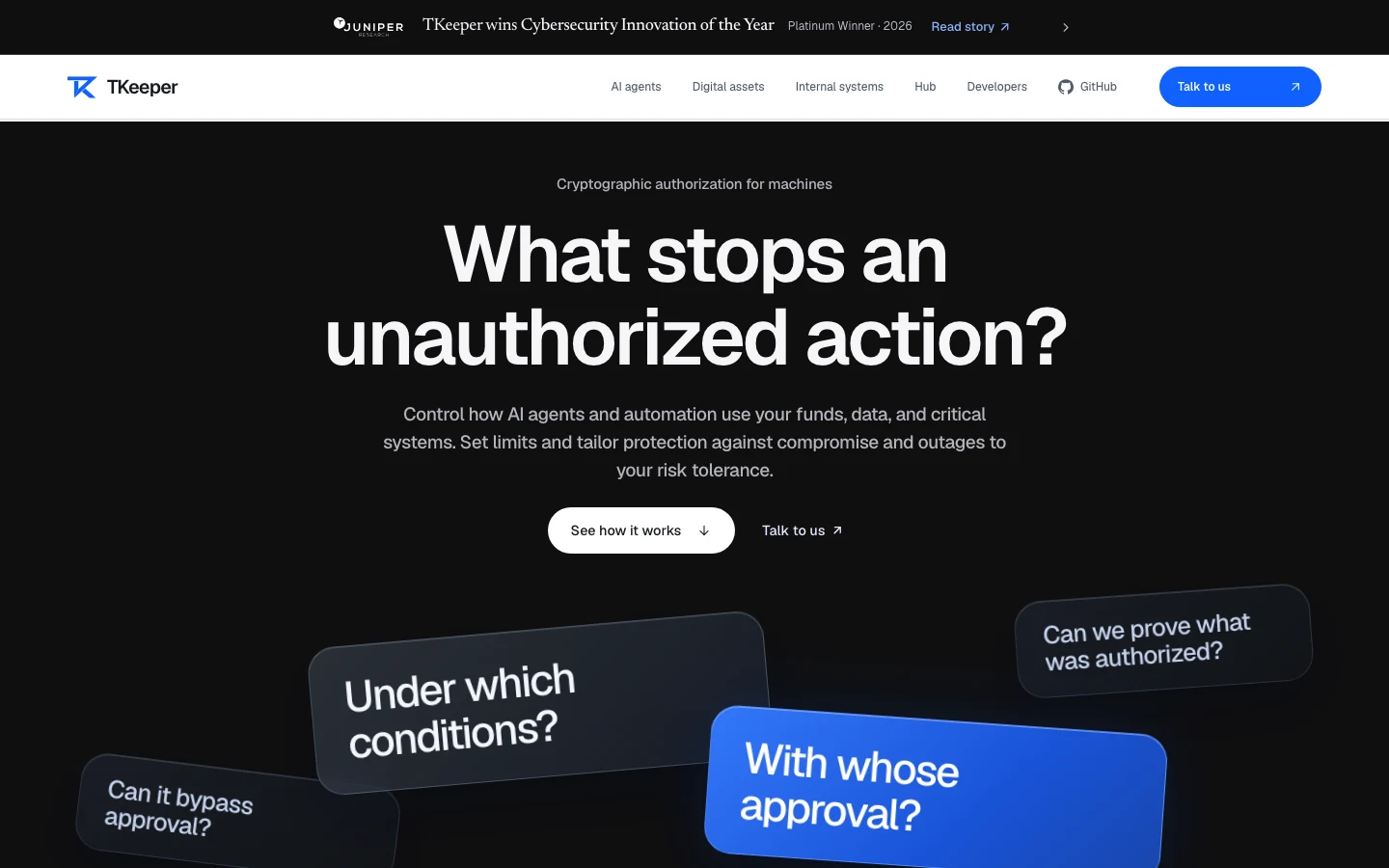
The homepage opens by asking what stops an unauthorized action. Large illustrated cards unpack that question into conditions, approvals and proof. A link to the product explanation sits beside the option to contact the team.
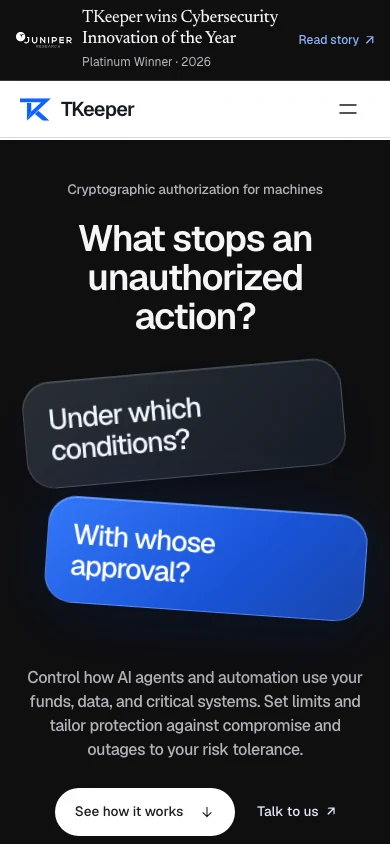
The mobile composition stacks the cards between the headline and introduction. The compact navigation makes room for the question to stay prominent, and the two actions follow the supporting text.
Give each use case a route
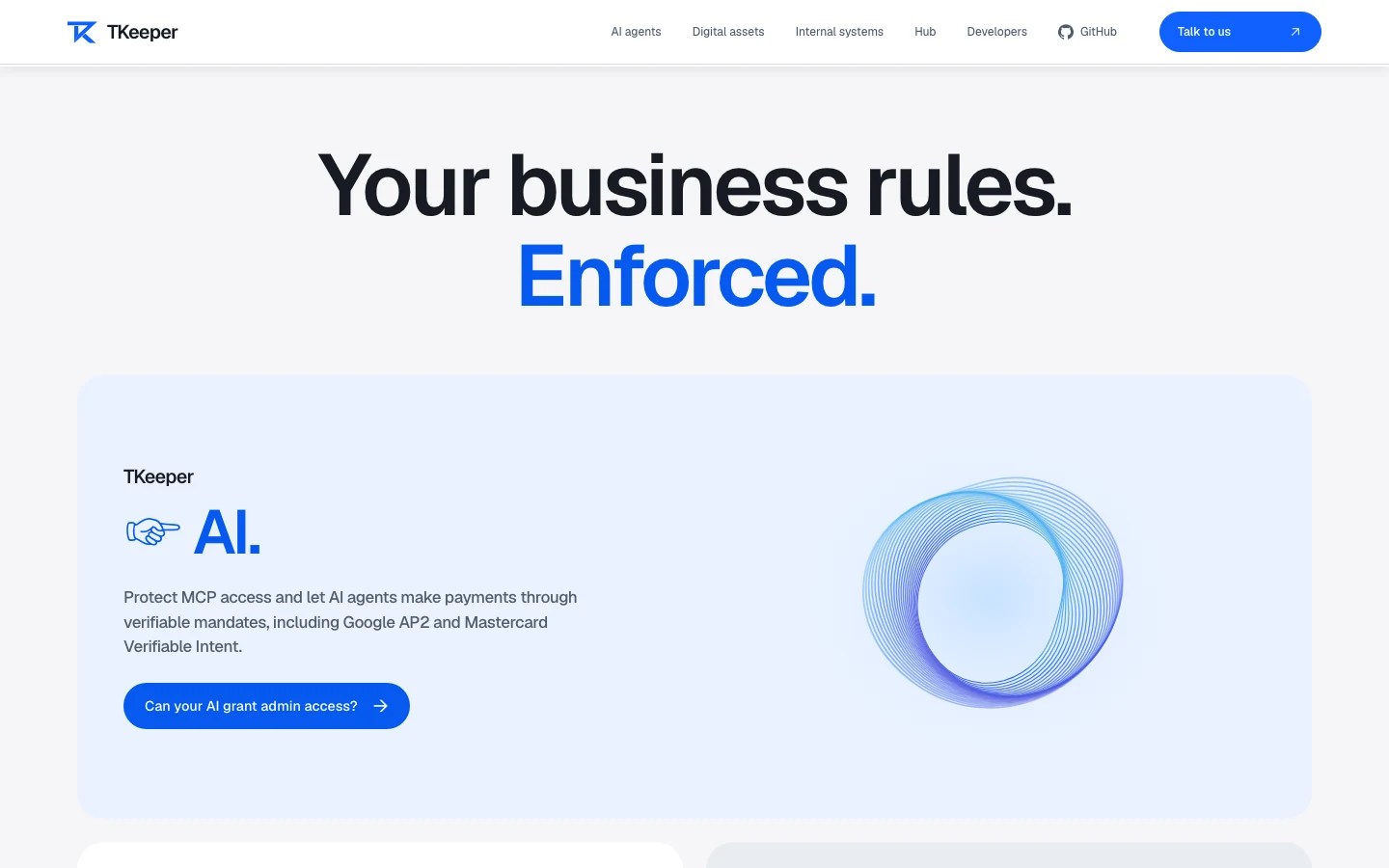
The public site gives AI agents, digital assets and internal systems their own routes. A visitor can choose one from the main navigation or scroll from the homepage introduction into its solution panels.
Each solution page leads with the visitor’s use case. For example, the AI agents page introduces the scope of agent permissions before linking to the relevant developer material. The Hub page gives visitors a dedicated route to the workspace preview.
Help developers find a starting point
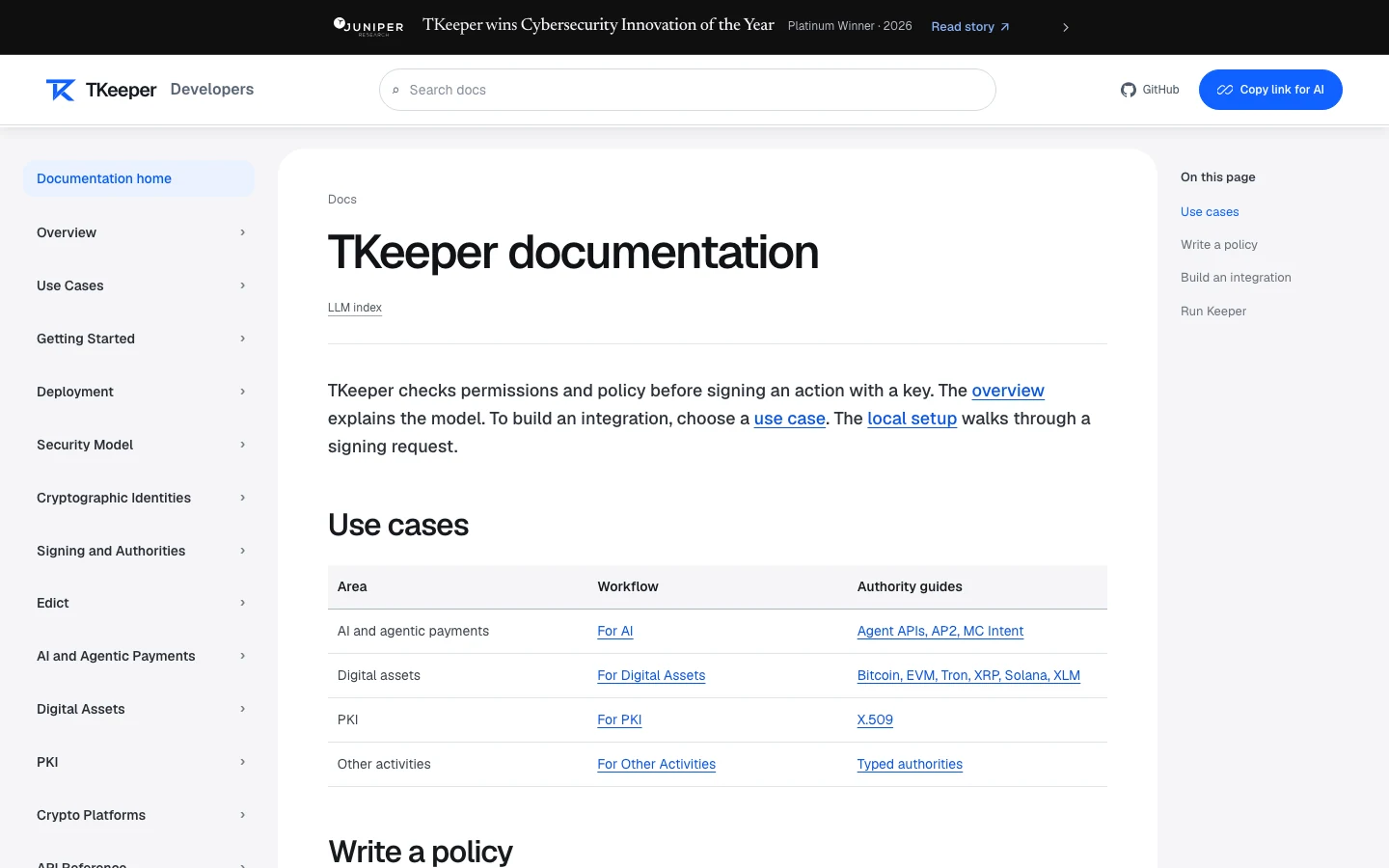
The documentation has a topic sidebar, search and an on-page contents list. Its overview groups use cases by area and connects each one to a workflow and related guides. The docs header also offers a link readers can copy into an AI assistant.
The generated pages carry the same navigation cues and blue action color from the homepage into the solution pages. In the documentation, those cues sit inside a layout built for longer reading and quick reference.
